
Swim Safety Tips
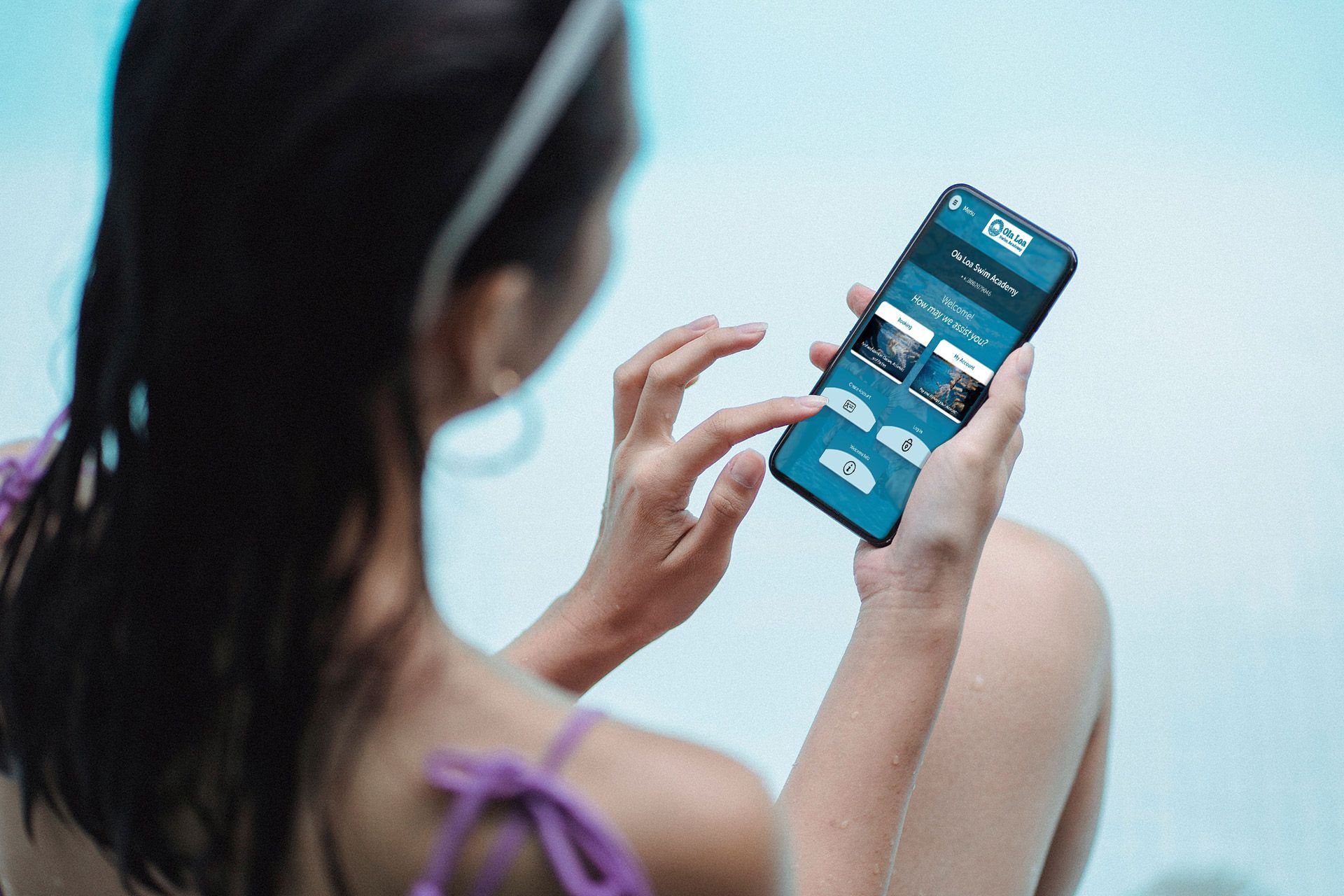
We’re excited to welcome you to the new Ola Loa Swim Academy website! Along with a fresh new look, we’ve made updates designed to make managing your family’s swim lessons simpler, faster, and more convenient. We know that life with keiki can get busy. Plans change, classes get missed, and sometimes you need to make adjustments on the go. That’s why our updated online experience works hand-in-hand with the Ola Loa Customer Portal and Mobile App, giving families easy access to important tools and account information whenever you need them. From letting us know about an upcoming absence to using a Punch Pass or redeeming a Makeup Token, many of the things you need can now be handled right from your phone or computer. Below, we’ve put together a few quick step-by-step guides to help you get familiar with these tools and make the most of your Ola Loa account. Here’s what we’ll cover: 📅 How to request a future absence 🎟️ How to use a Punch Pass 🔄 How to redeem a Makeup Token Our goal is simple: spend less time managing swim lessons and more time enjoying the water. Let’s dive in!